Science fiction RPG
Cyberpunk 2077
Take on mercenary jobs and explore Night City’s streets as V.
Official gallery on Steam
Explore games with Linux editions, use Steam Proton for compatible Windows titles, or try a standalone .exe with Wine.
Walk through Night City or ride across the Continent. See each game in its official Steam gallery, then check the compatibility notes before you install.
Science fiction RPG
Take on mercenary jobs and explore Night City’s streets as V.
Official gallery on SteamDark fantasy RPG
Track monsters, follow Ciri’s trail and explore the Continent as Geralt of Rivia.
Official gallery on SteamCD PROJEKT RED has documented Steam Deck verification for these titles. Kernova playtest results are pending. How to check a title
These three PC games also ship for Windows. On Kernova, start with the publisher’s Linux build. The screenshots come from the game projects.

Real-time strategy
Raise a city, gather resources and command an ancient civilization. A Linux AppImage and distribution packages are available.
Get 0 A.D.
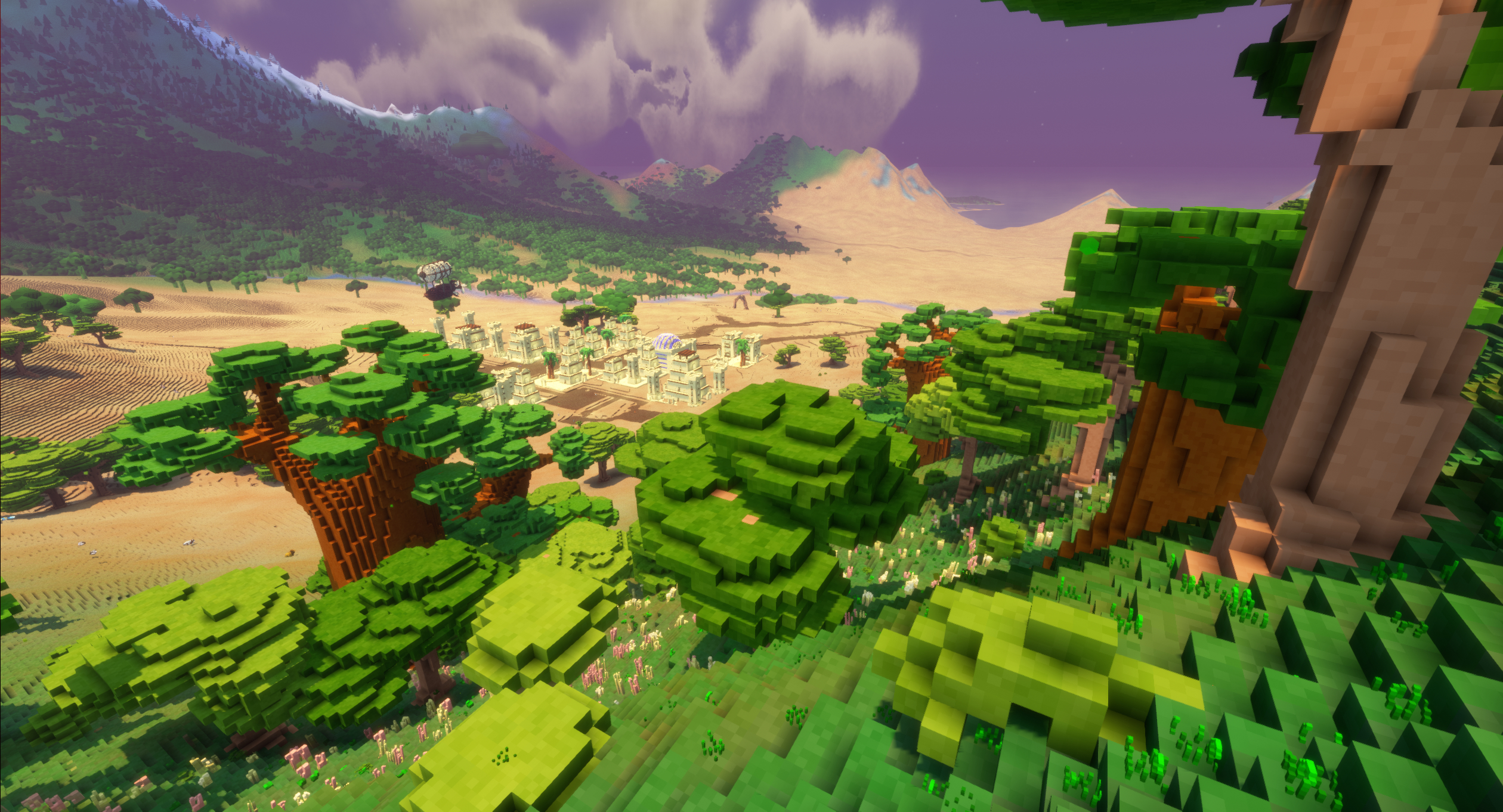
Open-world RPG
Set out across a voxel wilderness, gather materials and explore with other players. Airshipper installs and updates the Linux edition.
Get Veloren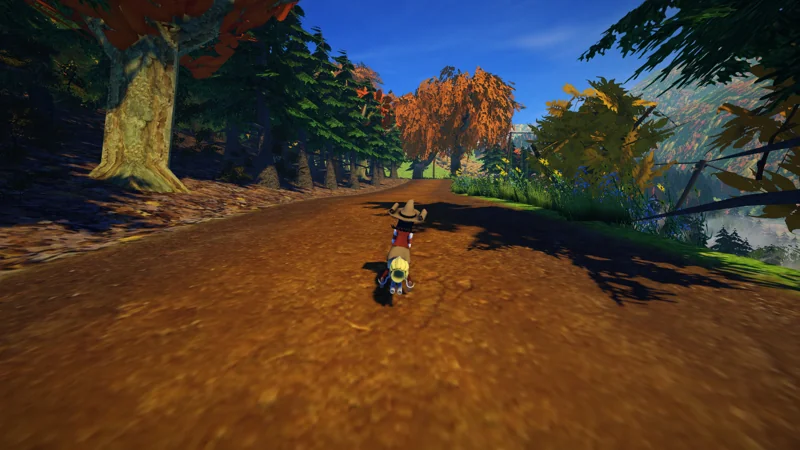
Arcade racing
Race a forest circuit, chase a time trial or share a screen with friends. The project offers a 64-bit Linux download.
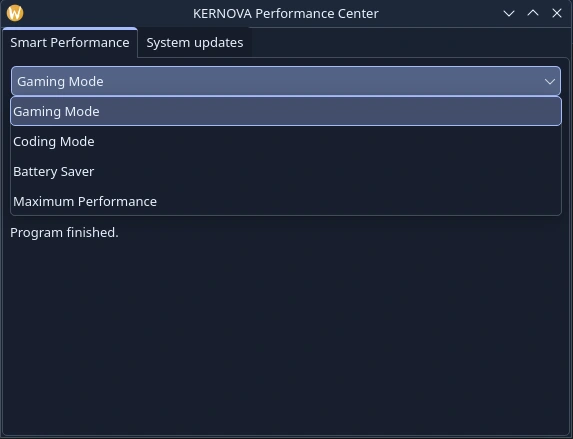
Get SuperTuxKartIn Kernova 0.1.4, open Performance Center, choose Gaming Mode and enter the game’s launch command. Kernova applies a shorter timer delay to that process and its children.
The project measured the scheduling settings in an installed virtual machine. Game frame rates and compatibility on individual GPUs still need testing.